

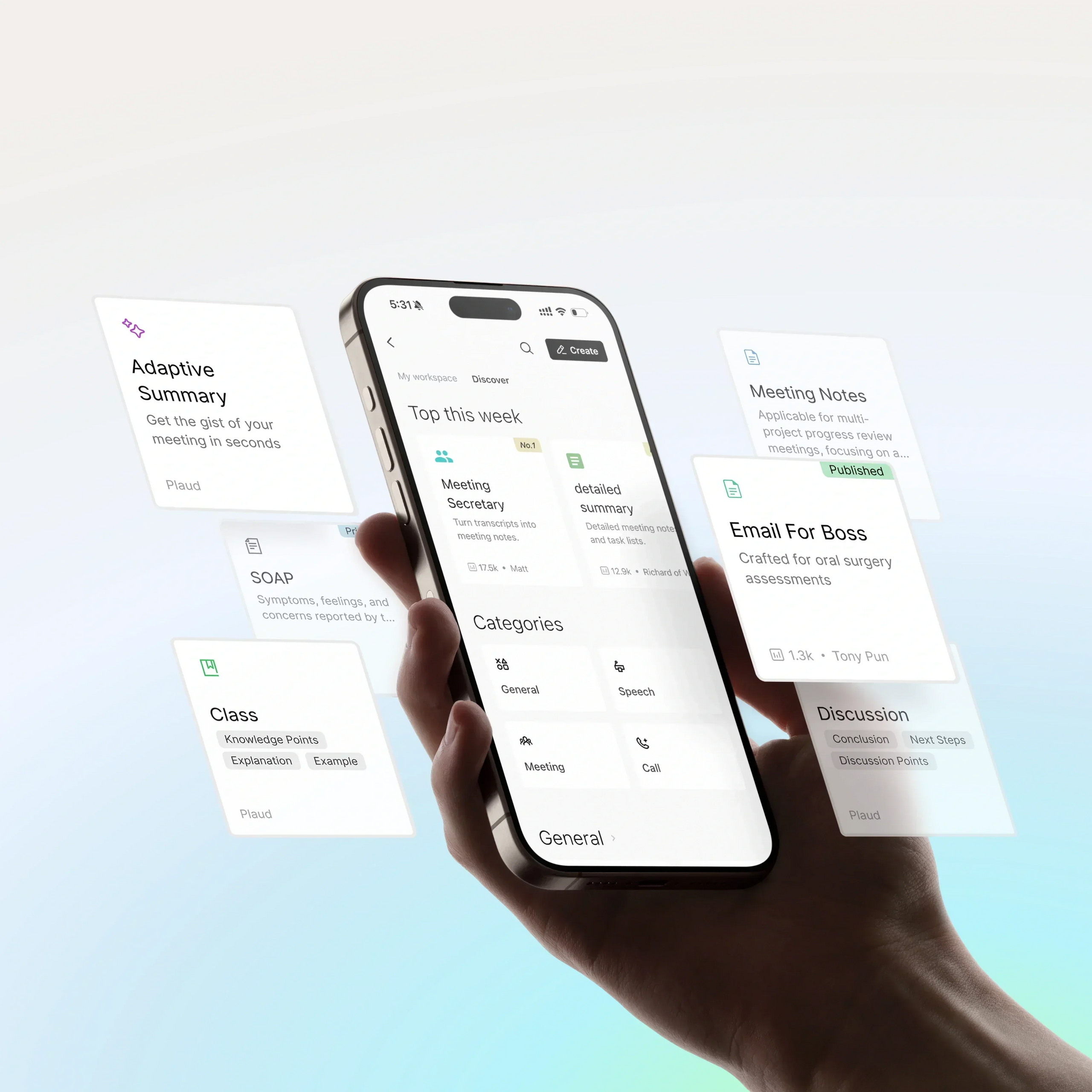
Summary Templates are at the heart of how you use Plaud. Whether you are documenting a daily standup or a board meeting, having the right structure ready makes all the difference. As you collect more templates for different scenarios, keeping them organized—and private—becomes just as important as using them.
That’s why we are rolling out two updates to give you more focus and control: My Workspace and Custom Templates that start private by default.
My Workspace: Your templates, organized your way
As your template library grows, it shouldn’t get harder to find what you need. My Workspace now keeps your templates organized in one place—so you can quickly jump back to Recently Used, pin Favorites, access My Templates, and see My Contributions at a glance.

My Workspace brings everything you use personally into one clean view, separate from the "Discover" tab. It automatically organizes your templates into four modules:

- Recently Used: Jump back into your active workflows.
- Favorites: Keep your most essential templates pinned.
- My Templates: Access the templates you’ve built yourself.
- My Contributions: See what you’ve shared with the community.
Now, when you open the template community, you see your own workspace first—so you can start summarizing in seconds.
Custom Templates are now private by default
We’ve updated how custom templates work so you have more control over your workflows and data. Now, every new custom template is private by default—visible only to you unless you choose to share it.

When you build a new template, it stays yours. It is visible only to you unless you decide otherwise. This gives you the flexibility to:
- Keep workflows confidential: Create templates for sensitive projects without worrying about them appearing in the public library.
- Use them immediately: Because they are private, you don't need to wait for a review process. You can apply your new template to a recording the moment you save it.
- Publish only when you choose to: Sharing is now completely optional. You decide if and when to submit your template to the community, giving you full control over what you share.